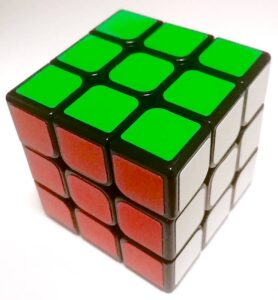
There are two approaches to solving rubiks cube you must choose from.
1. Find the solution yourself. Start with one side and solve layer by layer till your done. Find all the algorithms you need without help. This is the hardest way, but most rewarding.
2. Use an online guide to learn a method to solve the cube. This is the easy way, but once you go down this road you can never go back to the first option.
The best way to do option number two is to follow the beginners guide at SolveTheCube. You can also follow my method and read the rest of this post, but be warned it’s not really a guide. However my first method for solving the last layer is a bit different from the usual OLL/PLL methods, which other cube nerds might find interesting. Also I believe it’s the method with fewest algorithms to learn.